Move from rough shot to sellable hero image
Upload a source product photo, then ask for cleaner lighting, controlled shadows, premium backgrounds, or ad-ready composition.
Sharper listings, hero shots, ad creatives
Enhance product photos, create studio hero shots, improve listing images, and generate ad-ready visuals with Dollify.AI. Open the studio with product-photo context attached.
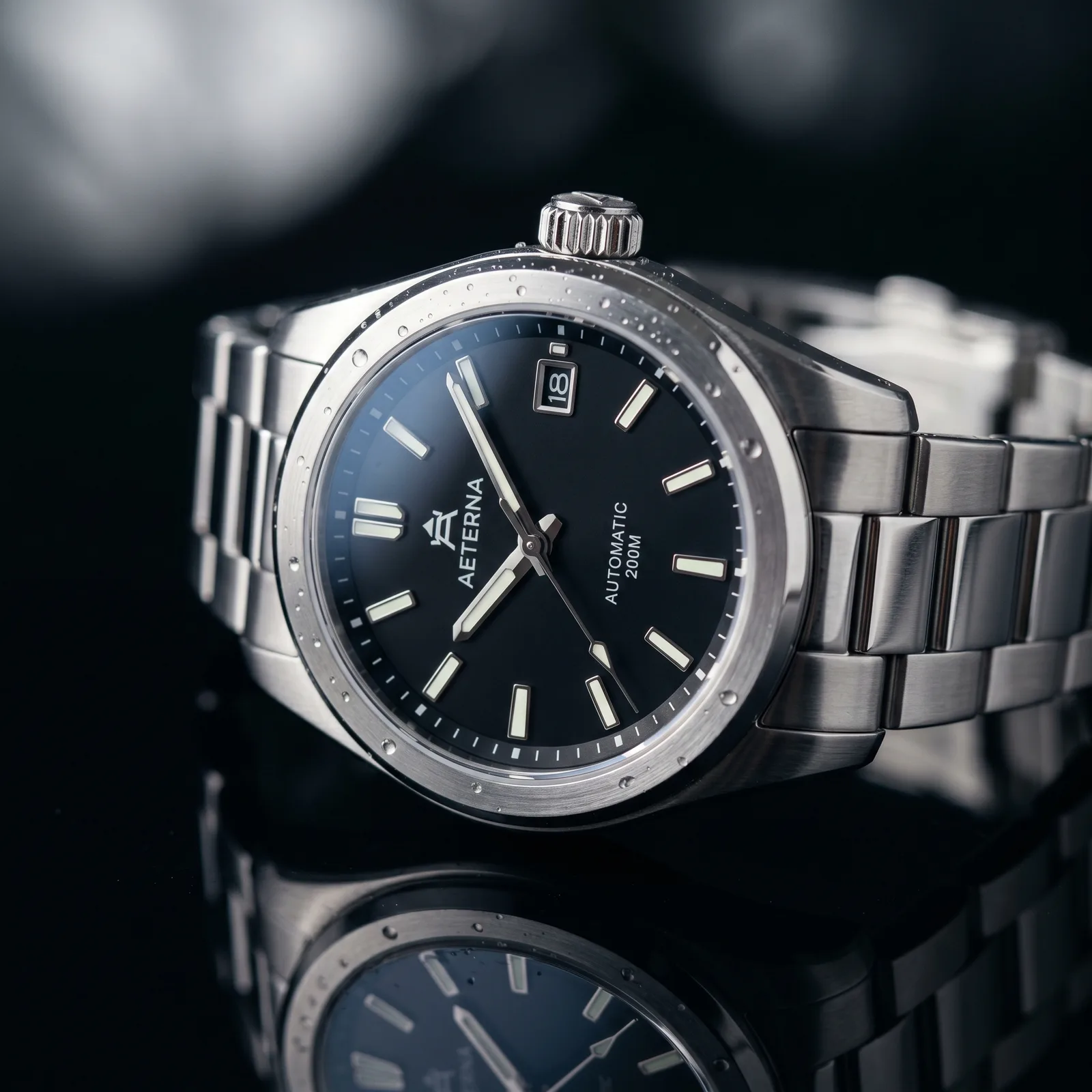
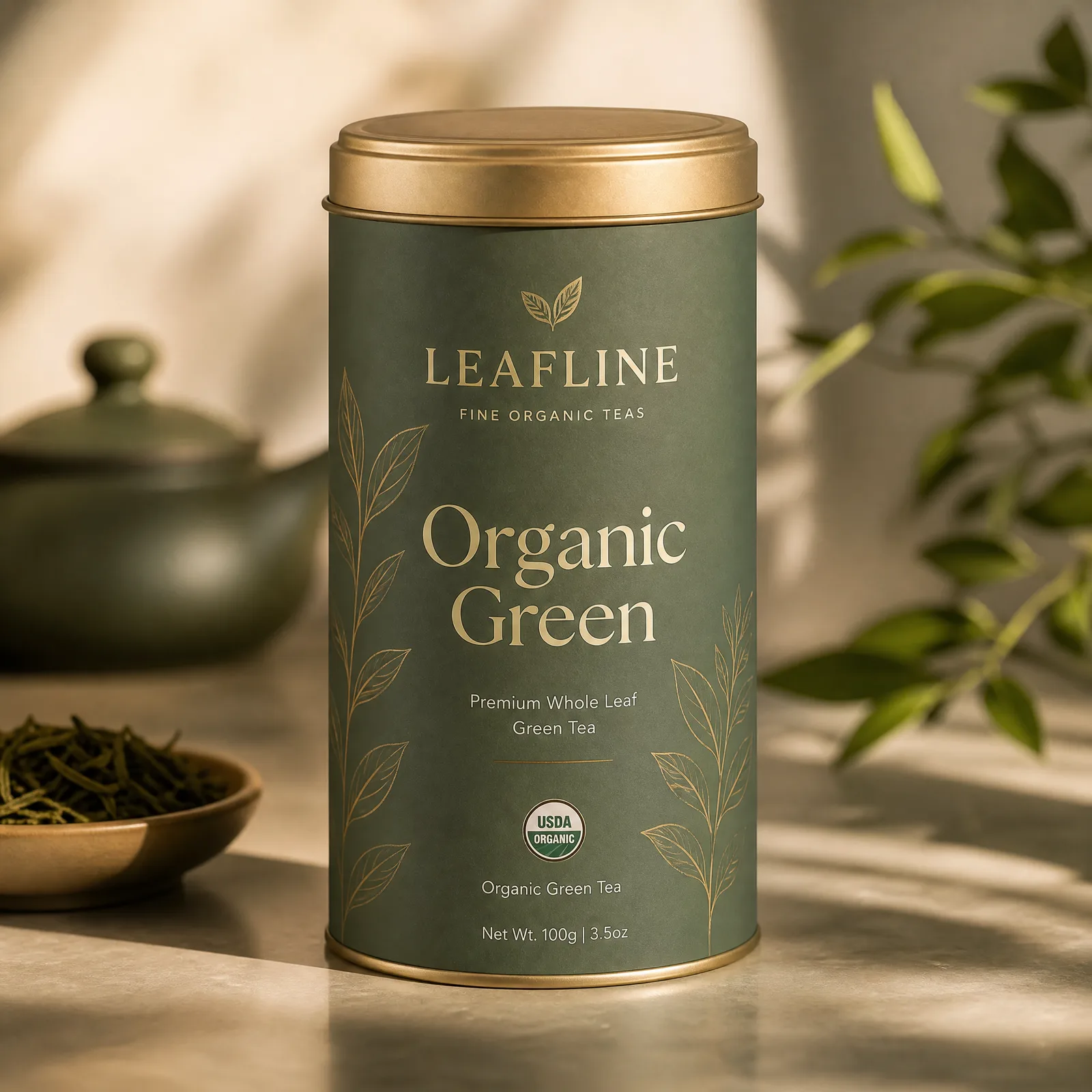
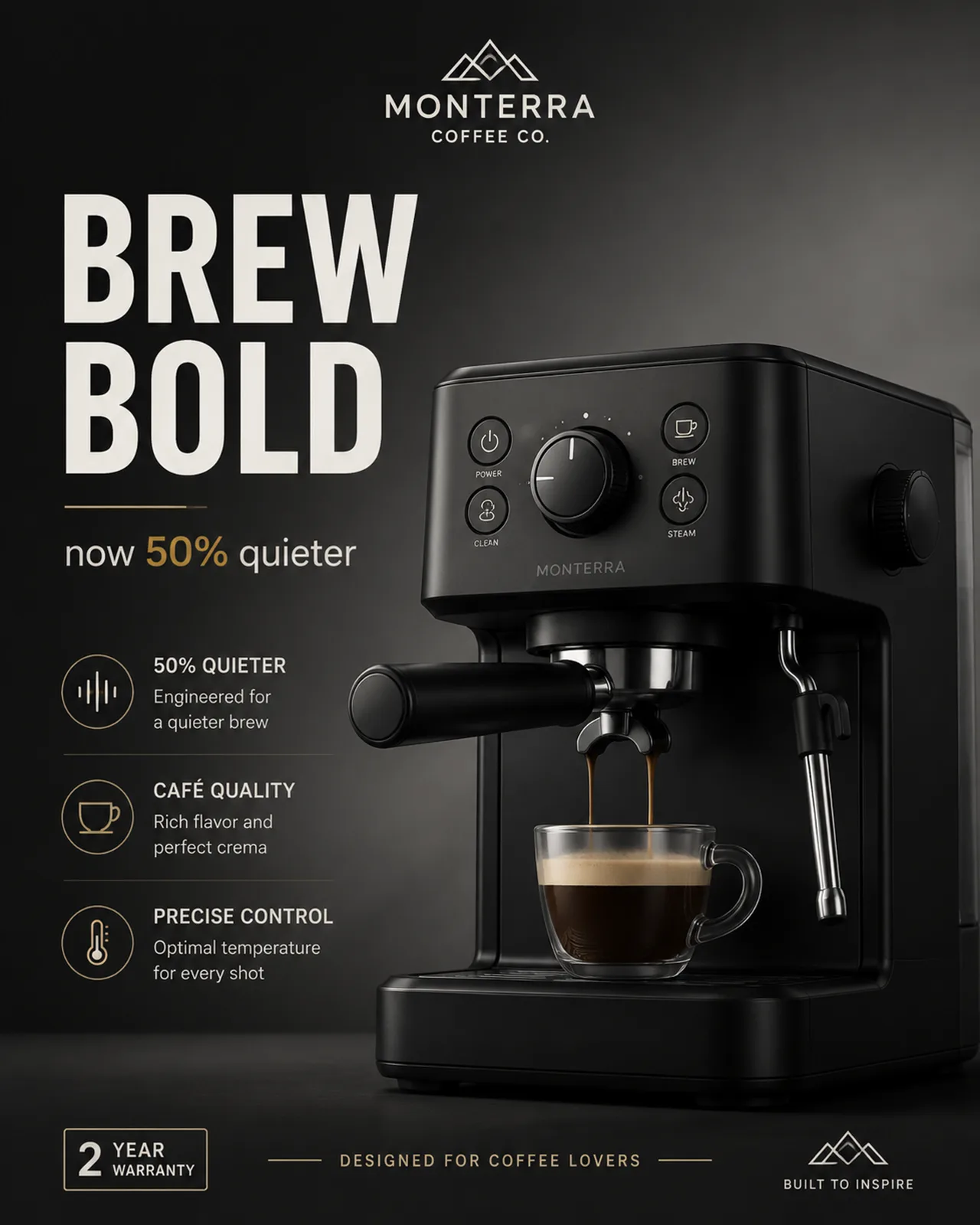
Upload a source product photo, then ask for cleaner lighting, controlled shadows, premium backgrounds, or ad-ready composition.
Use reference images for shape and identity, and make prompt instructions about labels, texture, material, and camera angle explicit.
Generate marketplace thumbnails, social ads, packaging mockups, detail crops, and lifestyle scenes from one product direction.
Use one as written, or swap the subject, style, lighting, and output format before generating.
Yes. Open the CTA, upload your source product image as a reference, then run the staged enhancement prompt or edit it for your brand.
Yes. GPT Image 2 is strong for layouts and rendered text, so this page defaults to that model for ad and product creative work.
Yes. Use the AI Image Upscaler after choosing a final product shot if you need a larger, sharper image for listings or print.
The studio opens with the use-case prompt, selected model, and SEO attribution already attached.
Enhance a product photo