AI Image Upscaler
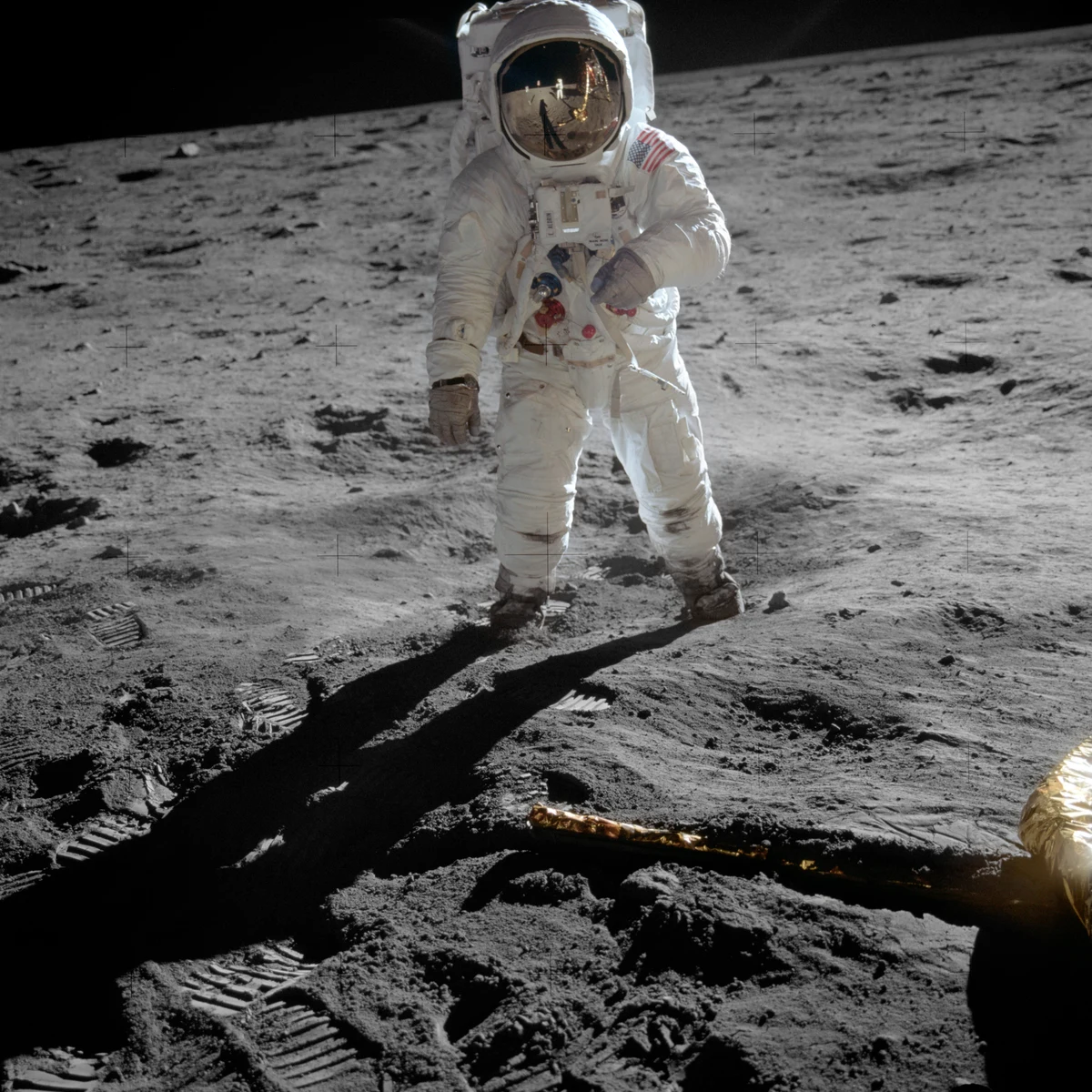
Upscale and sharpen any photo up to 8× — recover crisp detail, fix blur, and enlarge images without losing quality.
Drag to see how AI upscaling sharpens every detail
BeforeAfter
AI image upscaling for real creative work

Up to 8× resolution
Enlarge small or low-res images up to eight times their size while keeping edges clean and detail intact — ready for web, print, and large-format display.
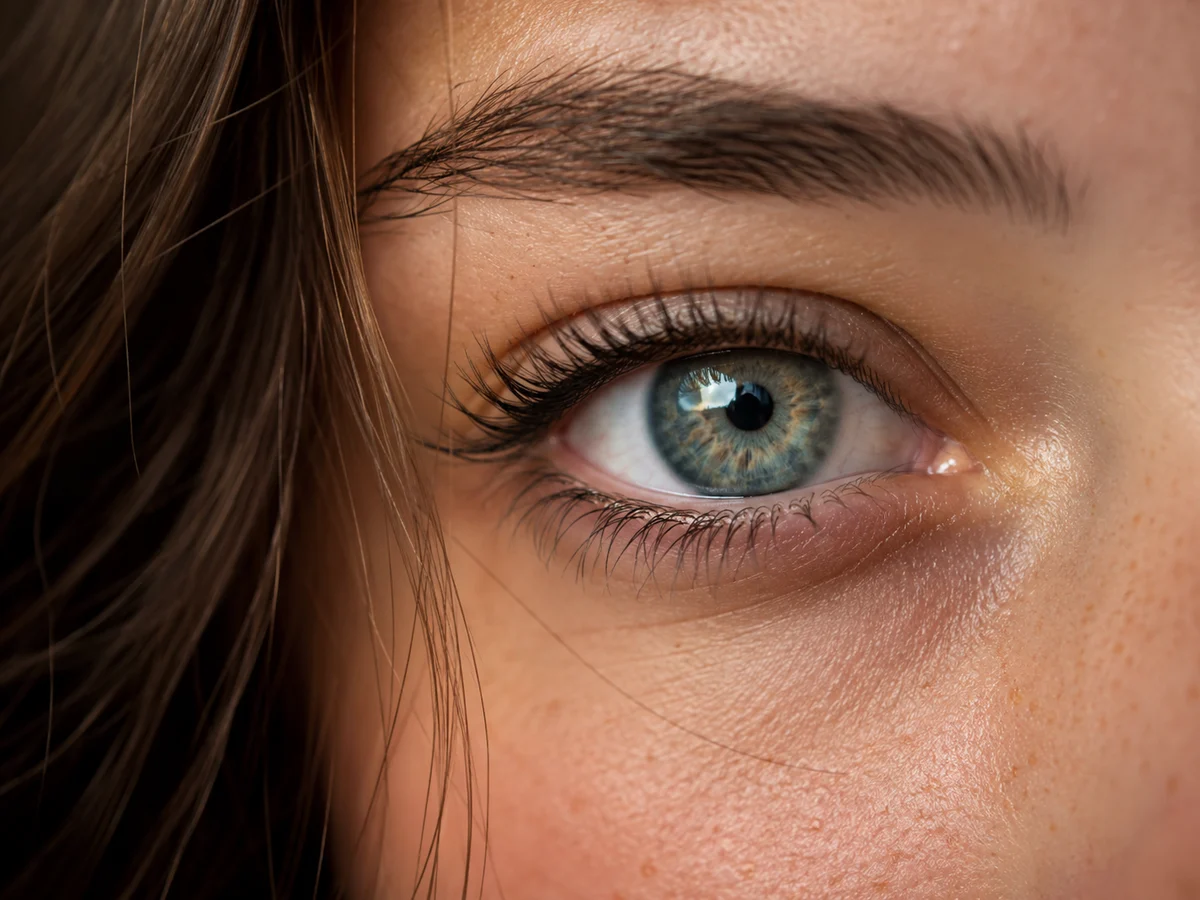
Detail recovery, not just stretching
Topaz-grade upscaling reconstructs texture and sharpness instead of naively interpolating pixels, so faces, fabric, and fine lines stay crisp.
One upload, one click
No prompt, no settings to learn — drop in a photo, pick a factor, and download the enhanced result in seconds.
What creators say about our upscaler
“I re-printed a 10-year-old product shoot at 4× and it looked like it was taken yesterday. Saved a whole reshoot.”
“The detail recovery is the real deal — it rebuilt texture instead of just blurring everything bigger.”
“Dead simple. Upload, pick 8×, download. No settings to fuss with and the output is sharp.”
“Enlarged my logo for a trade-show banner and the edges stayed razor clean at 3 meters wide.”
“Scanned a stack of old family photos and the 4× pass brought back detail I thought was gone for good.”
“I run it on every thumbnail before upload now — crisper images, better click-through. Worth it.”
“I re-printed a 10-year-old product shoot at 4× and it looked like it was taken yesterday. Saved a whole reshoot.”
“The detail recovery is the real deal — it rebuilt texture instead of just blurring everything bigger.”
“Dead simple. Upload, pick 8×, download. No settings to fuss with and the output is sharp.”
“Enlarged my logo for a trade-show banner and the edges stayed razor clean at 3 meters wide.”
“Scanned a stack of old family photos and the 4× pass brought back detail I thought was gone for good.”
“I run it on every thumbnail before upload now — crisper images, better click-through. Worth it.”
“I run it on every thumbnail before upload now — crisper images, better click-through. Worth it.”
“Scanned a stack of old family photos and the 4× pass brought back detail I thought was gone for good.”
“Enlarged my logo for a trade-show banner and the edges stayed razor clean at 3 meters wide.”
“Dead simple. Upload, pick 8×, download. No settings to fuss with and the output is sharp.”
“The detail recovery is the real deal — it rebuilt texture instead of just blurring everything bigger.”
“I re-printed a 10-year-old product shoot at 4× and it looked like it was taken yesterday. Saved a whole reshoot.”
“I run it on every thumbnail before upload now — crisper images, better click-through. Worth it.”
“Scanned a stack of old family photos and the 4× pass brought back detail I thought was gone for good.”
“Enlarged my logo for a trade-show banner and the edges stayed razor clean at 3 meters wide.”
“Dead simple. Upload, pick 8×, download. No settings to fuss with and the output is sharp.”
“The detail recovery is the real deal — it rebuilt texture instead of just blurring everything bigger.”
“I re-printed a 10-year-old product shoot at 4× and it looked like it was taken yesterday. Saved a whole reshoot.”
Frequently asked questions
You only pay credits for what you generate — the cost scales with the upscale factor and is shown before you run it. New accounts get free signup credits to try it.
Standard JPG, PNG, and WebP images work. Upload one image at a time; the result is delivered at up to 8× the input resolution.
No. The upscaler only enhances resolution and sharpness — it does not alter the subject, composition, or colors of your image.
How to upscale an image online
- 01
Upload your image
Drag in any JPG, PNG, or WebP — no account needed to start.
- 02
Pick an upscale factor
Choose 2×, 4×, or 8×. The credit cost is shown before you run.
- 03
Download the result
Get a crisp, high-resolution image in seconds, ready to use.