Turn a character idea into a toy-like visual
Describe the subject, outfit, mood, and setting. Dollify opens the image workspace with a doll-ready prompt and Seedream selected so you can generate immediately.
Custom characters, toy portraits, collectible looks
Create cute 3D doll characters, collectible toy portraits, and stylized doll scenes with Dollify.AI. Start from a prompt and open the image generator with the right model selected.
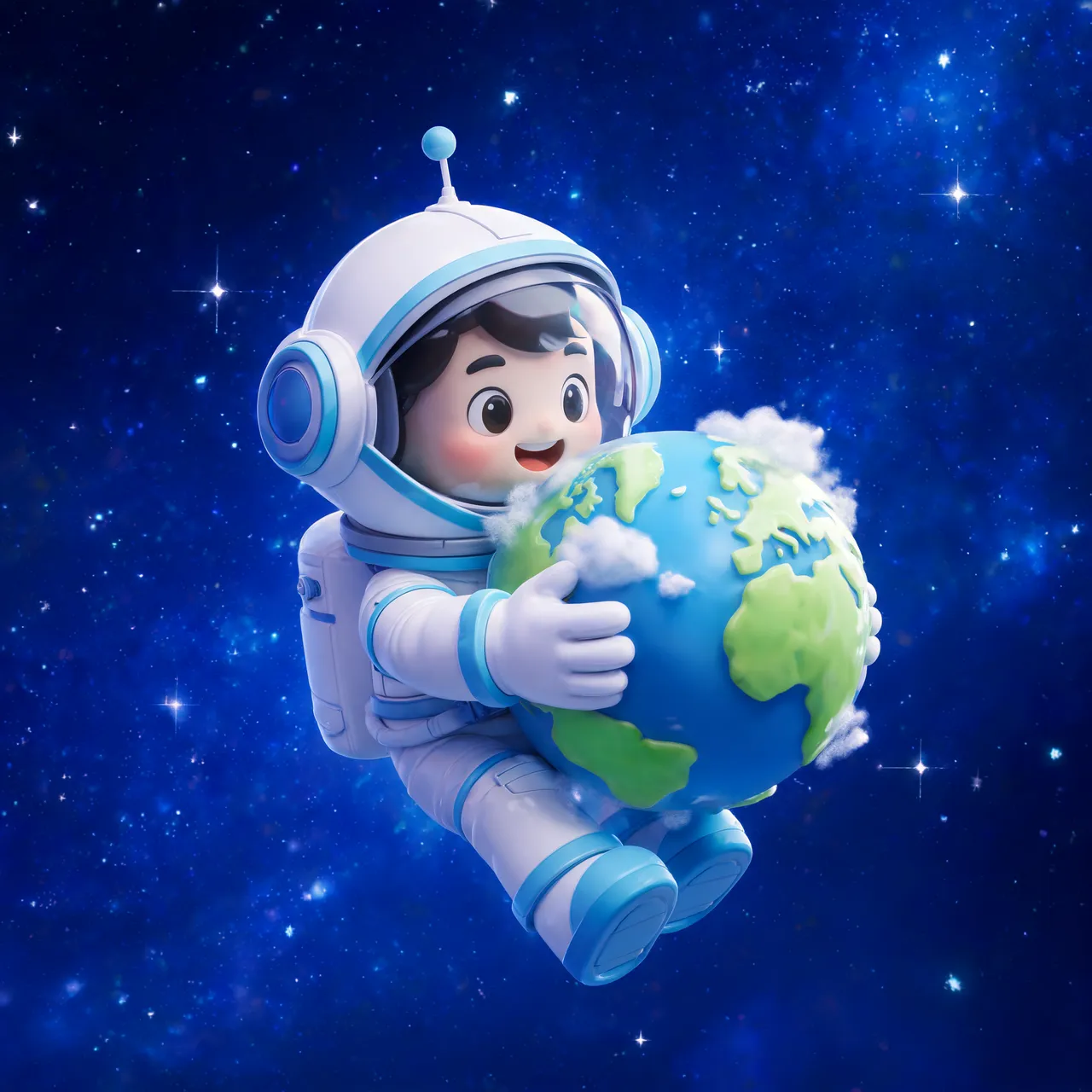
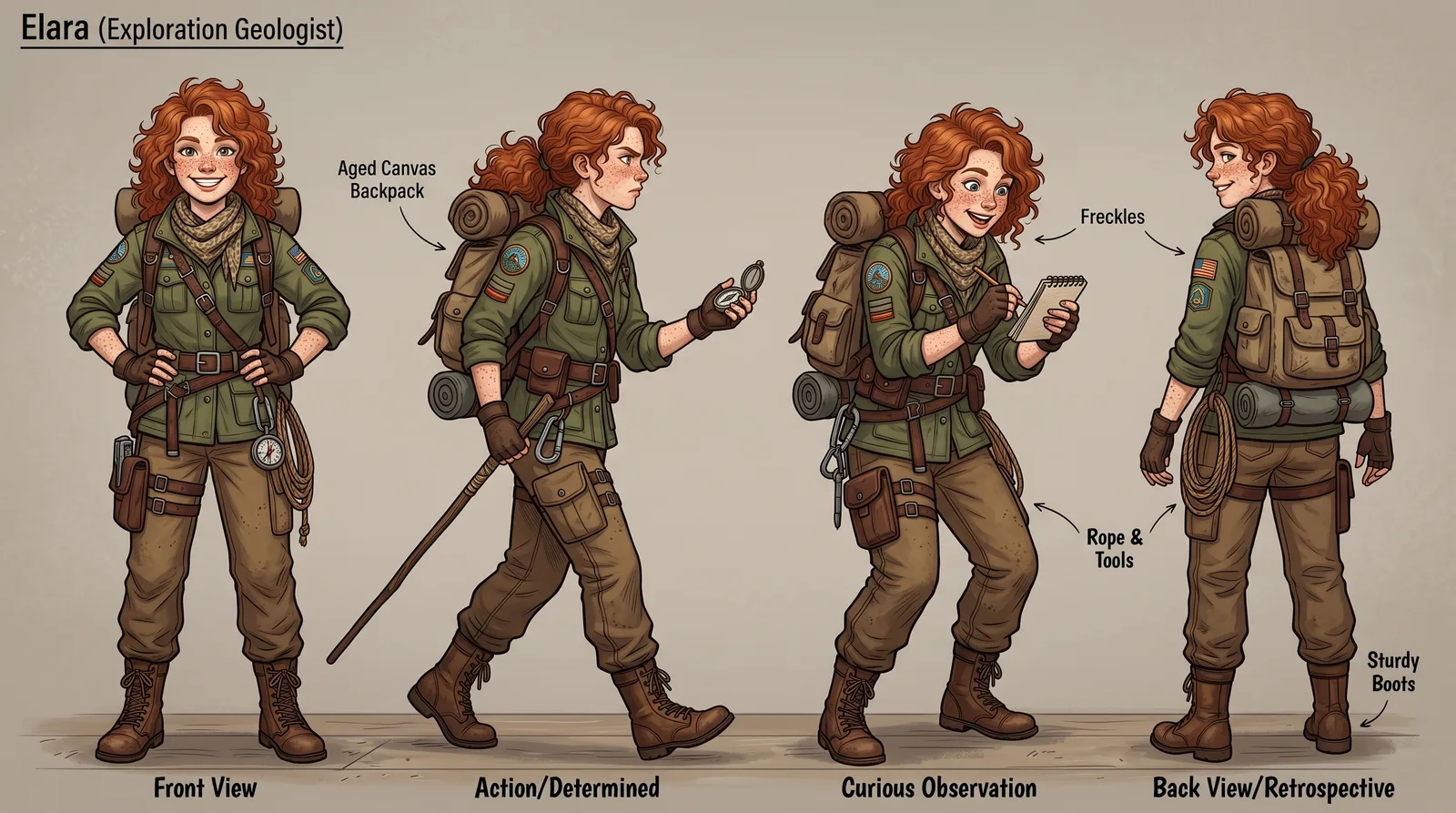
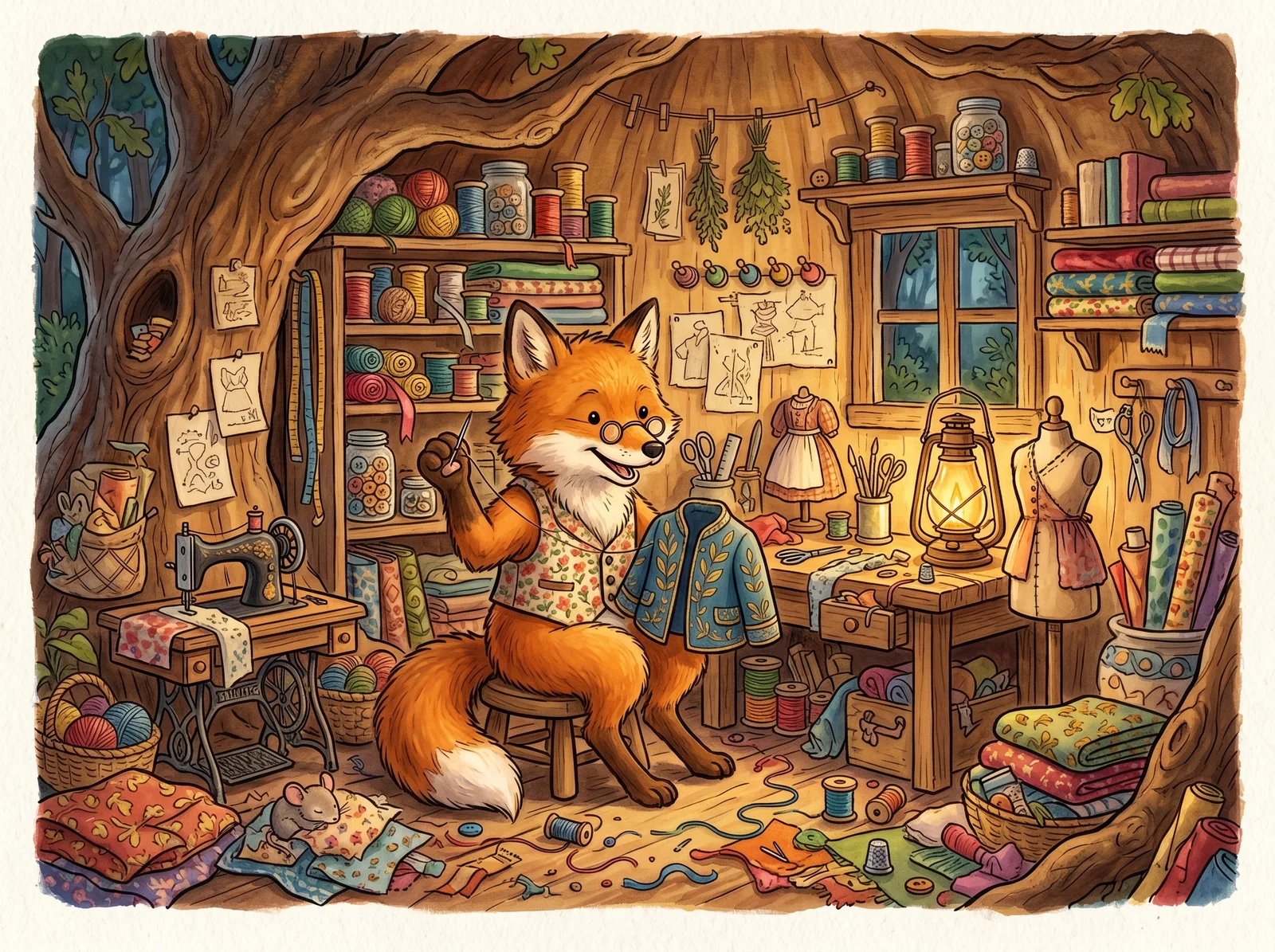
Describe the subject, outfit, mood, and setting. Dollify opens the image workspace with a doll-ready prompt and Seedream selected so you can generate immediately.
Use words like vinyl, collectible, plush, kawaii, chibi, toy photography, or diorama to steer the output away from generic portraits.
Generate mascot concepts, birthday avatars, sticker-style characters, or product mascots, then remix the strongest output in the studio.
Use one as written, or swap the subject, style, lighting, and output format before generating.
Yes. Start with a prompt that describes the character, toy material, outfit, pose, and setting. The CTA opens the image generator with a doll prompt prefilled.
Seedream 5 Lite is the default on this page because it is fast and inexpensive for draft character ideas. You can switch models in the studio any time.
Yes. Generate square or vertical images for avatars, stickers, social posts, or mascot concepts, then upscale the final image if you need more resolution.
The studio opens with the use-case prompt, selected model, and SEO attribution already attached.
Create a doll