Design a recognizable profile look
Start with a mood and role, then add lighting, wardrobe, background, and crop. The page hands those details to the image workspace as a ready prompt.
Profile portraits, creator looks, team avatars
Generate polished AI avatars for profiles, teams, creator brands, and stylized portraits. Open Dollify.AI with an avatar prompt, model, and landing attribution already set.
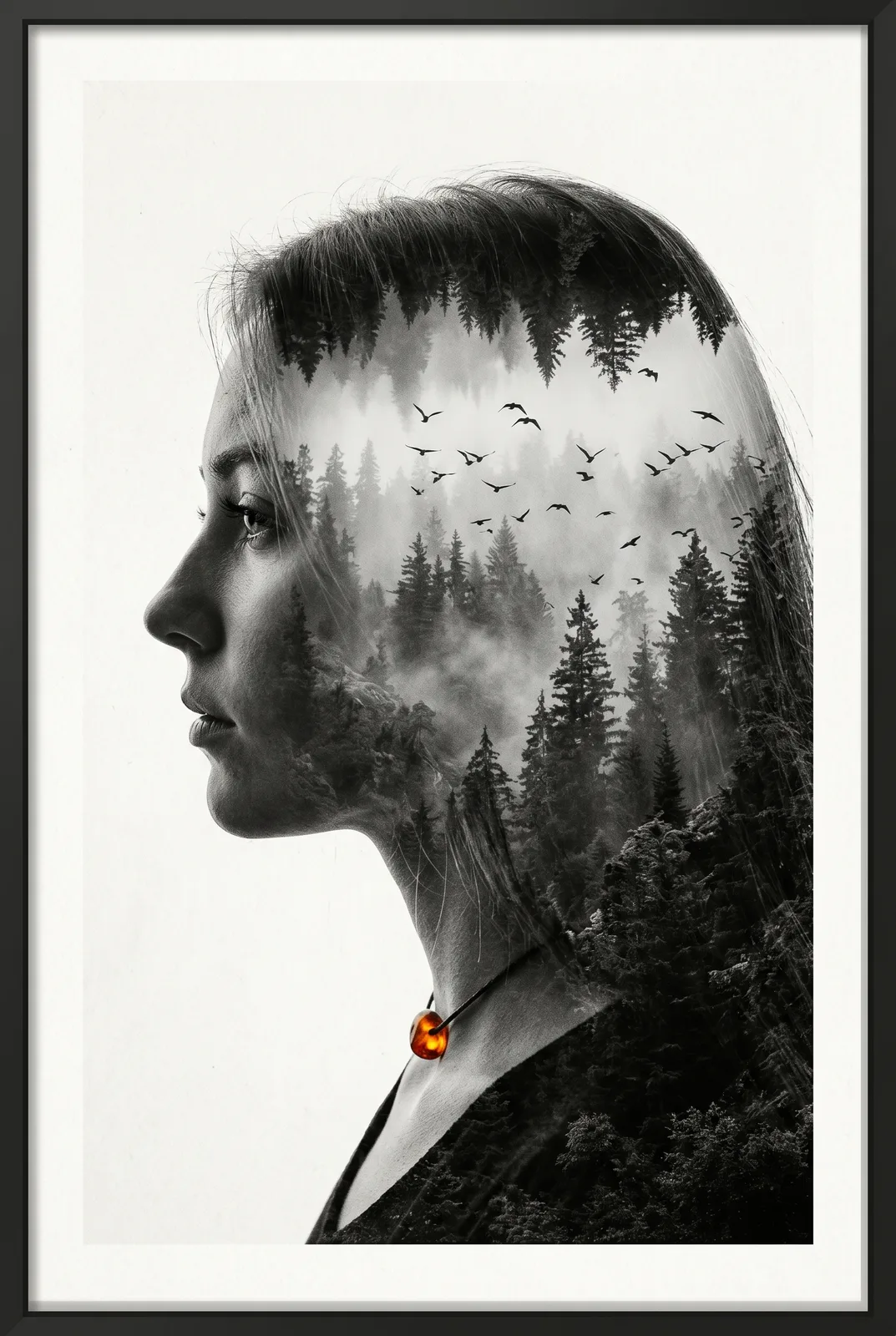
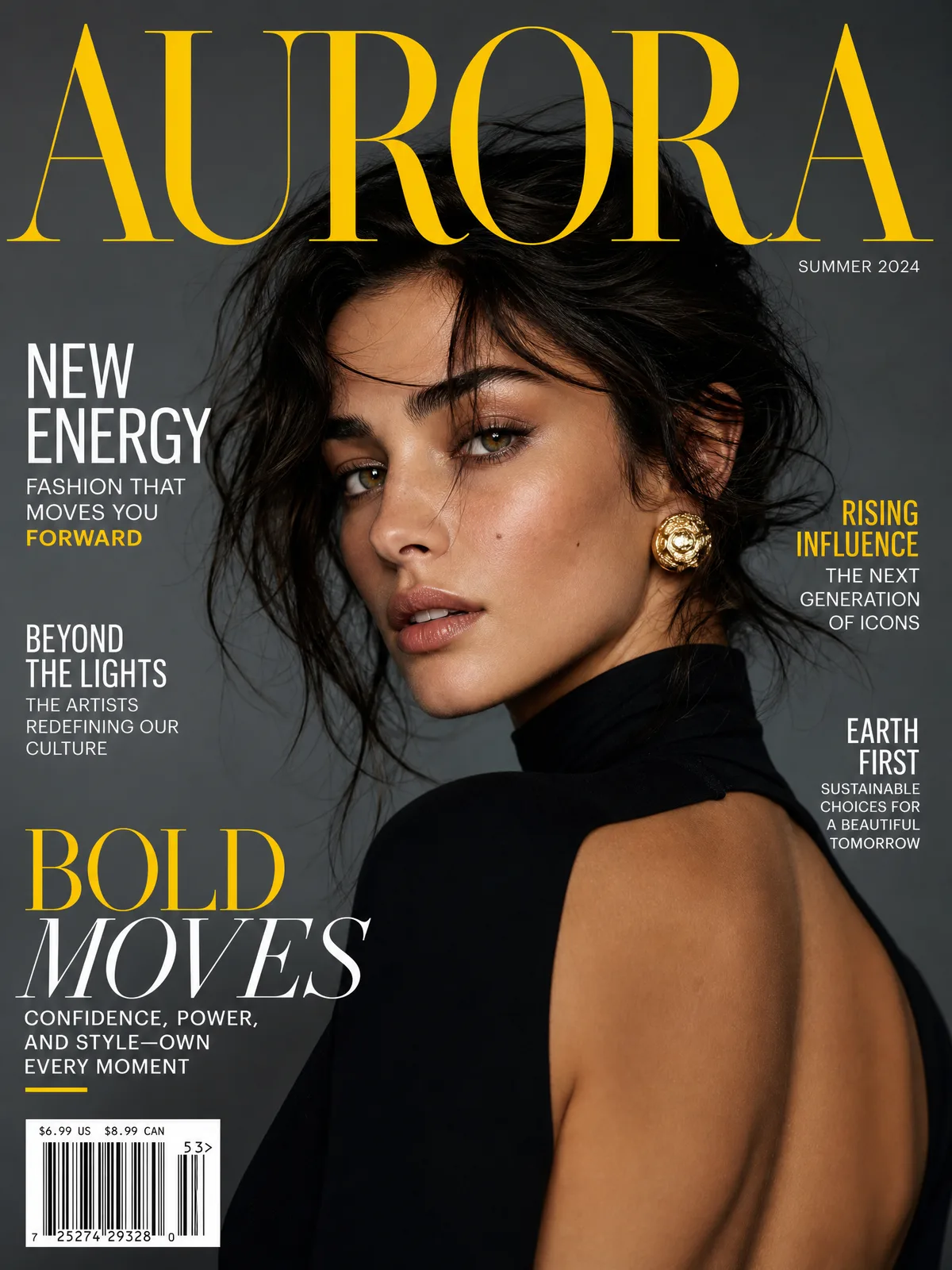
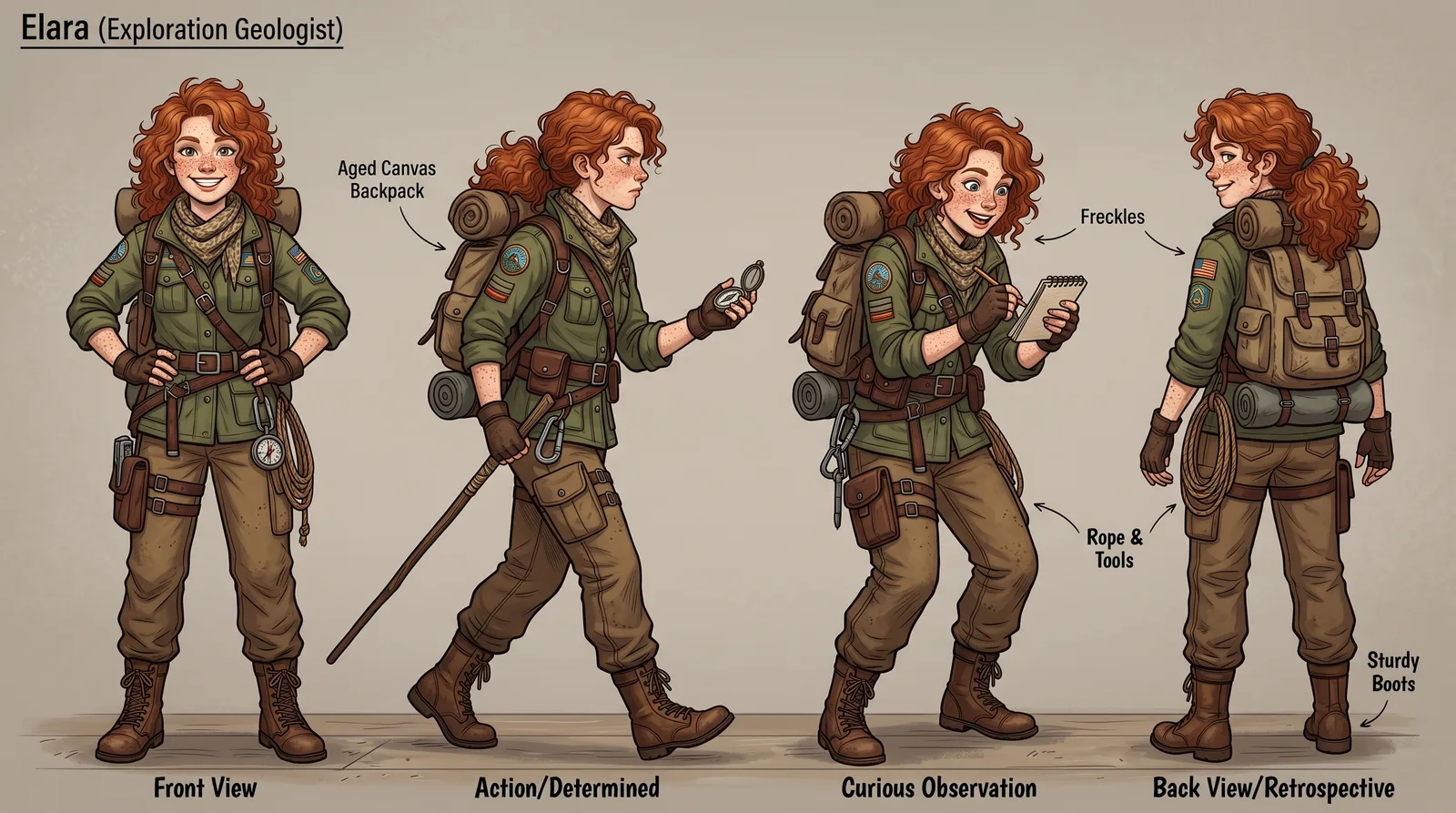
Start with a mood and role, then add lighting, wardrobe, background, and crop. The page hands those details to the image workspace as a ready prompt.
Generate several avatar directions for the same creator, team, or product persona, then reuse the best prompt for future profile variants.
Keep the same intent and move from cinematic portrait to anime, cartoon, double exposure, editorial, or concept art inside the studio.
Use one as written, or swap the subject, style, lighting, and output format before generating.
Yes. You can start from text only. If you want a closer likeness, upload a reference image in the studio after opening the CTA.
Yes. Add the target style directly to the prompt, such as anime portrait, cartoon profile picture, 3D avatar, or editorial headshot.
Yes. It opens the image workspace with Nano Banana 2 selected and an avatar prompt already staged for editing or immediate generation.
The studio opens with the use-case prompt, selected model, and SEO attribution already attached.
Create an avatar